
news
New Feature | Spamhaus Reputation Checker: Troubleshoot your listing
It’s not always immediately clear why your IP has been listed or how to fix it. To help, we’ve added a new “troubleshooting” step to the IP & Domain Reputation Checker, specifically for those whose IPs have been listed on the Combined Spam Sources (CSS) Blocklist - IPs associated with low-reputation email. Learn how you can diagnose the issue using this new feature.
In this News Article
Jump to
What is the IP and Domain Reputation checker?
If you’re already familiar with the Checker tool, feel free to jump to: "New Troubleshooting feature". For those who are new to it, the Checker is a free Spamhaus tool that allows users to check if an IP address, domain name or hash is listed on one of our DNS blocklists (DNSBLs).
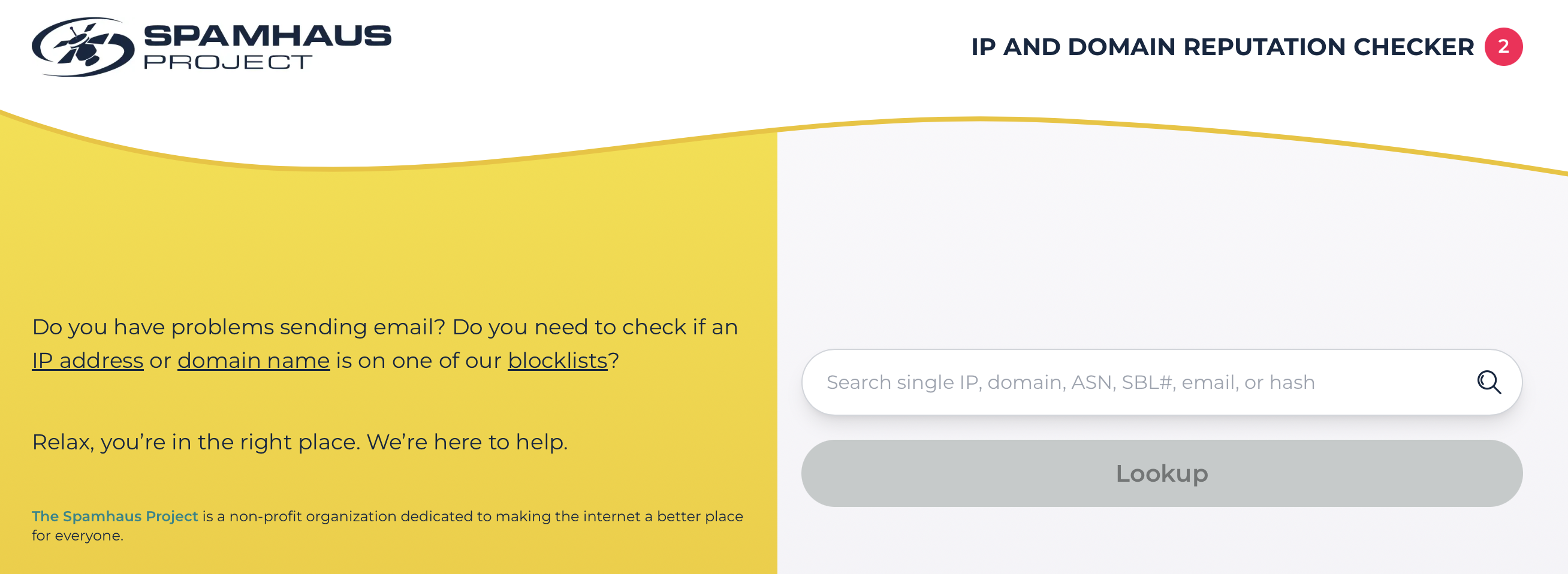
Once you enter your resource into the search, the Checker will:
- Check your IP or domain against Spamhaus DNSBLs
- Explain why it may have been listed
- Indicate the potential impact such as email deliverability issues
- Provide support on how to fix the issue or request removal
New Troubleshooting feature
If your IP address has a CSS Blocklist listing you must meet the email sending best practices as specified in RFC 5321/5322 before requesting removal. To make things easier, we’ve introduced a new Troubleshooting step to help you quickly pinpoint and resolve any issues that could prevent your removal request from being approved.
Here’s how it works:
First, checks are performed to determine whether the submitted IP address has:
- A reverse DNS (PTR) record
- A valid HELO domain that matches the reverse DNS record
- Forward-confirmed reverse DNS
- Matching values across all of the above
Once those checks are complete the results of the DNS lookups are displayed:
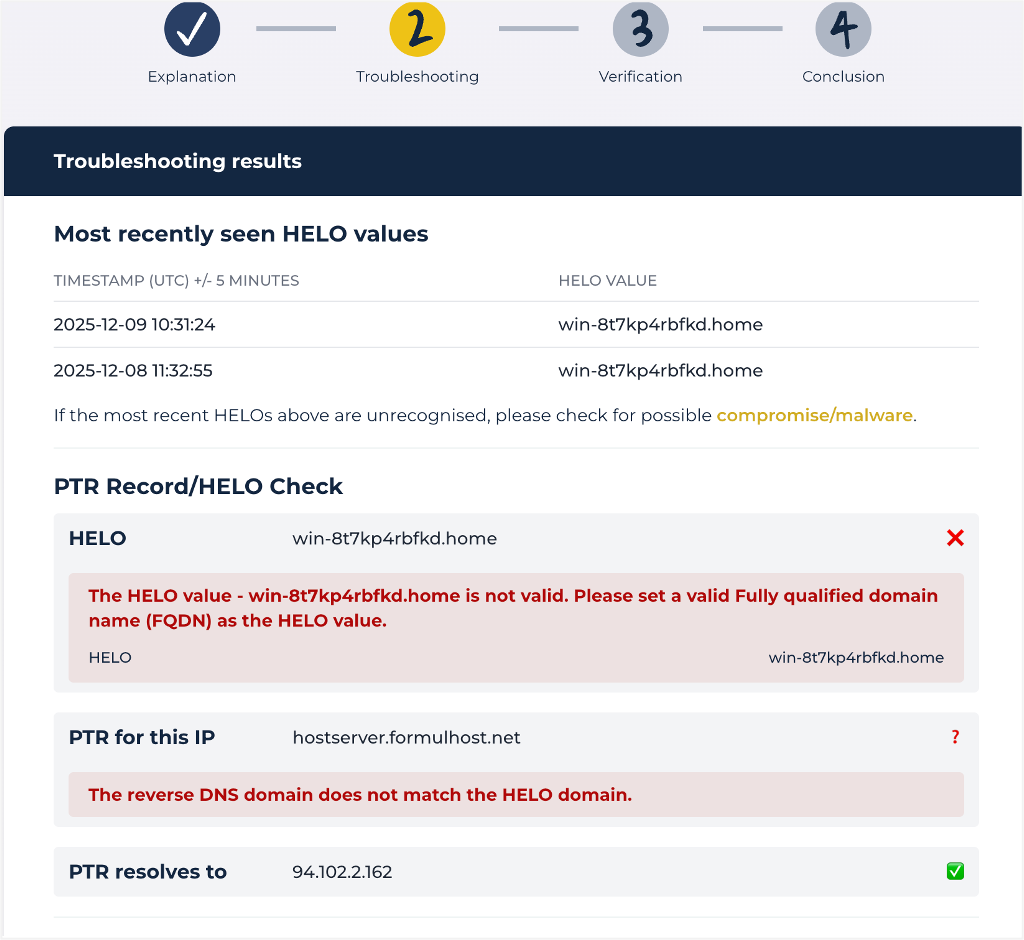
Most Recently Seen HELO Values
This section shows the HELO values your mail server has used in recent connections. If they are unrecognized or don’t match your expected configuration, this indicates your server may be misconfigured or compromised.
IMPORTANT: If the HELO values do not match the sending configuration and are random, there is a possibility the IP is part of a residential proxy network. Please read our FAQ on troubleshooting residential proxy issues.
PTR Record/HELO Check
The Checker displays the following results:
- HELO Resolution: Whether the HELO domain resolves to your sending IP address in public DNS.
- PTR Record: The reverse DNS hostname associated with your IP address, and whether the record matches the HELO domain seen in recent connections.
- PTR Resolution: Whether the PTR record resolves back to your sending IP address.
If any of these checks are marked with a red cross, it indicates there is a configuration issue. In this case any request for removal is likely to be unsuccessful.
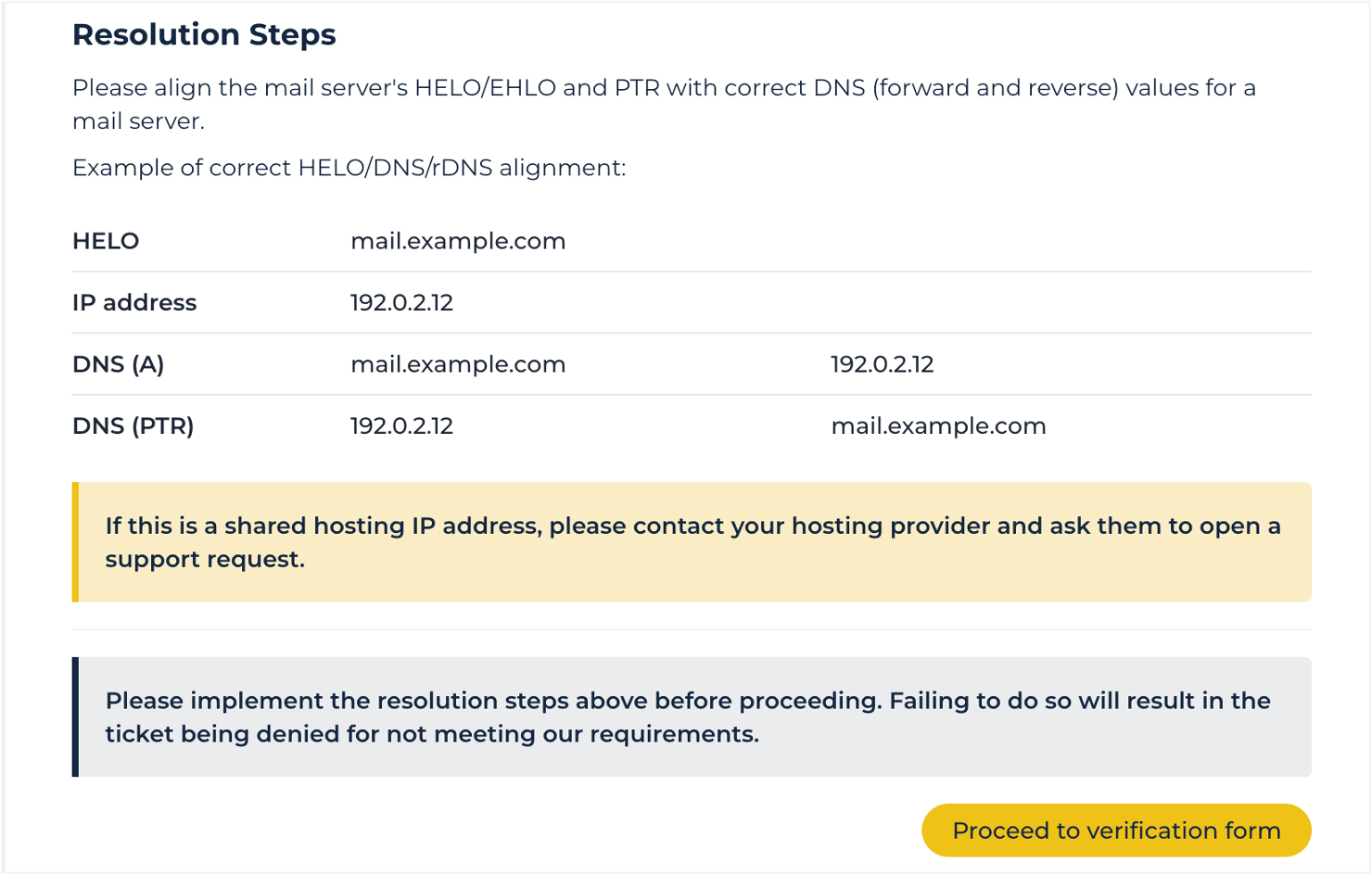
Resolution steps
To ensure your IP has the best chance of removal, you need to follow the suggested Resolution steps to fix any issues found.
These are:
- The HELO domain must resolve to the sending IP (via an A or AAAA record).
- The sending IP must have a valid reverse DNS record that resolves to a fully qualified domain name (FQDN).
- The reverse DNS record must match the HELO domain.
- The reverse DNS record must resolve back to the sending IP (FcrDNS).
Request Removal
Once you’re confident you’ve resolved the issue(s), you can proceed to the Verification form and submit your removal request.
If an automatic removal has been allowed, then no further action will be required. Where an automatic removal has not been permitted, then the Checker will automatically raise a ticket and navigate you to the Ticket Center for support from the team.